Containers · 8 min read
ECS vs EKS: How to Choose the Right Container Platform
Compare AWS-native container paths through operational responsibility, portability, and delivery requirements.
Fundamentals and why this matters
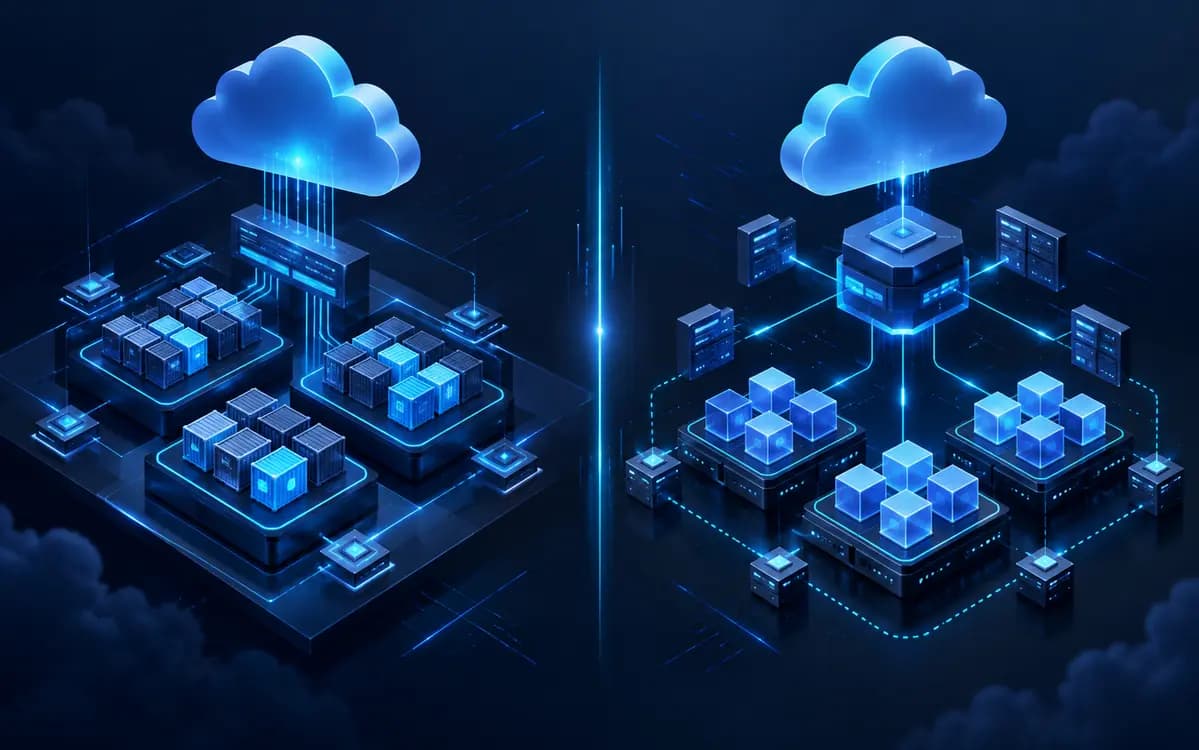
ECS and EKS both run containers on AWS, but they expose different platform contracts. ECS is AWS-native orchestration built around clusters, task definitions, tasks, and services. EKS provides a managed Kubernetes control plane and the Kubernetes primitives of pods, deployments, services, ingress, and nodes. The question is not which platform is universally better; it is which operational responsibility, ecosystem, and portability requirements fit the team that will own it.
Architecture and important components
An ECS service normally starts from a task definition, runs tasks on EC2 capacity or Fargate, and connects to an Application Load Balancer through target groups. IAM task roles, security groups, CloudWatch logs, service discovery, and ECS Service Auto Scaling are first-class AWS integrations. An EKS workload adds a Kubernetes API layer: control plane, managed or self-managed nodes, pods, deployments, services, ingress controller, CNI networking, and cluster add-ons. EKS can use EC2, managed node groups, Karpenter, or Fargate profiles, but each option changes operations and cost.
Production implementation guidance
Choose ECS when a team wants a smaller AWS-focused surface area, conventional HTTP services or workers, and direct integration with AWS primitives. Choose EKS when Kubernetes APIs, operators, Helm ecosystem components, complex scheduling, multi-cluster patterns, or a portable platform contract are genuine needs. Prototype the full operational path: image delivery, IAM, ALB ingress, secrets, logging, metrics, on-call runbooks, upgrades, and failure recovery. Do not compare only the deployment manifest; compare the operating model for the next two years.
Security and change-control considerations
ECS task roles should be scoped per workload and execution roles separated from application permissions. In EKS, combine IAM roles for service accounts, namespace boundaries, RBAC, network policy, admission controls, and pod security standards. Both platforms require private image access, secret rotation, least-privilege CI roles, encrypted logs where required, and image scanning. Kubernetes offers more policy surface, but that only improves security if it is actively maintained.
Performance, monitoring, and operational considerations
ECS reduces cluster-control-plane decisions, while EKS gives more flexibility with more upgrades, add-ons, version compatibility, and incident surface to own. Observe deployment state, task or pod restarts, saturation, ALB target health, application errors, and cost per service. Plan node upgrades and capacity interruption behavior before production. Fargate removes node administration but may trade some instance-level efficiency and placement control for simpler operations.
Production delivery and verification
Before changing a live $ecs vs eks: how to choose the right container platform design, record the current baseline: ownership, dependency map, service objective, capacity or policy limit, and the signals that would prove the change helped. A change without a baseline is difficult to validate and easy to misattribute after the next deployment or traffic shift.
Make the smallest reversible change first. Test it in a representative non-production environment, then release with a bounded blast radius, a named owner, and a rollback condition. Change windows are not a substitute for safety; the practical controls are an identified previous state, compatible data or configuration, and a clear decision point for stopping the rollout.
During and after release, correlate infrastructure signals with the user journey. Watch error rate, latency, saturation, availability, and the workload-specific signal that prompted the work. Record the observed outcome in the engineering decision log. This turns a one-off fix into operational knowledge that can be reused during planning, incident response, and the next review.
Finally, keep the runbook current. It should state what normal looks like, what breaks first, who owns the dependency, how to collect evidence, and which action is safe under pressure. Good documentation is concise enough to use during an incident and specific enough to prevent an unsafe guess.
Decision guidance
Migration is justified when a concrete requirement cannot be safely met, not because another platform is fashionable. Moving ECS workloads to EKS introduces networking, identity, packaging, and operational change. Moving EKS workloads to ECS can simplify standard services but may require replacing controllers and Kubernetes-specific automation. Keep applications portable through container images, configuration contracts, and well-defined dependencies regardless of orchestrator.
Related technical reading: Kubernetes Autoscaling: HPA, VPA and Cluster Autoscaler Explained · AWS Cost Optimization: A Practical Infrastructure Review Checklist
Relevant VexEagle services: Kubernetes consulting services · AWS cloud consulting services
Practical implementation checklist
- Define the team that owns platform upgrades and incidents.
- Compare EC2 and Fargate capacity models against workload behavior.
- Design ALB ingress, private networking, IAM, secrets, and observability first.
- Model steady and peak costs, including cluster and add-on overhead.
- Run a representative service through deployment, rollback, and failure testing.
Frequently asked questions
Is EKS always more portable than ECS?
Kubernetes APIs can improve portability, but portability also depends on ingress, identity, storage, managed databases, and delivery tooling.
Can ECS and EKS coexist?
Yes. Some organizations use ECS for straightforward AWS-native services and EKS for workloads that need Kubernetes capabilities, but shared standards are important.
Is Fargate automatically cheaper?
No. It is an operational trade-off. Compare task shape, utilization, duration, networking, and the cost of node management for your workload.